Opposite answers to the same category
CARROT Weather and Thermometer are about as far apart as two weather apps on the same platform can be, which makes this a more useful comparison than most.
CARROT is maximal. Multiple selectable weather data sources, deep customisation of what appears where, an extensive notification system, radar and maps, watch complications, and a set of personality settings ranging from strictly professional to actively rude. It is built for someone who wants to shape their weather app.
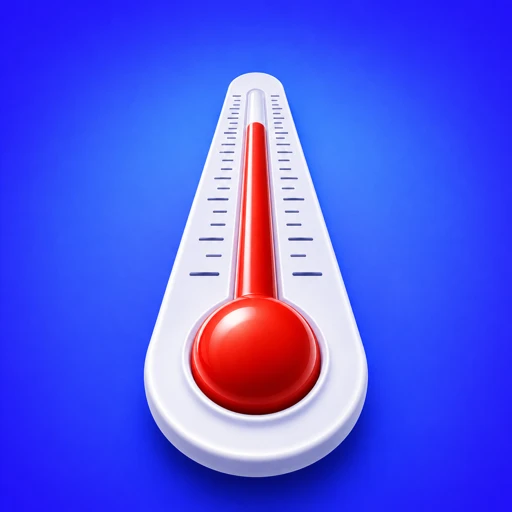
Thermometer is minimal, deliberately. One screen with a mercury column against two numbered scales, a second page with hourly and ten-day forecasts, three widget sizes, and a unit toggle. There is nothing to configure because there are no choices to make.
Neither is a compromised version of the other. They are aimed at different people.
Side by side
| CARROT Weather | Thermometer | |
|---|---|---|
| Data source | Selectable, several available | Apple Weather, via WeatherKit |
| Customisation | Extensive | Unit and language only |
| Tone | Five personalities, professional to rude | None. It shows a reading |
| Temperature display | Numeral, configurable layout | Analog mercury dial |
| Both scales at once | No | Yes, numbered °C and °F |
| Radar and maps | Yes | No |
| Notifications | Extensive, tiered | None |
| Apple Watch | Yes, with complications | No |
| Widgets | Yes, many configurations | Small, medium, large, numbered scales |
| Cost | Free with premium tiers | Free on the App Store |
Who should choose which
CARROT if you enjoy setting an app up exactly how you want it, if you want to choose your forecast provider, if you use an Apple Watch seriously, if you want rain and storm notifications, or if the humour appeals. It rewards attention. It is also the only app in this comparison that lets you switch data source, which is a genuine advantage if you have opinions about forecast providers.
Thermometer if you want to install something and never open its settings, if you check the temperature rather than the forecast, if you want both scales without a toggle, or if you would rather your weather app had no voice at all.
The honest framing
CARROT's premium tiers unlock most of what makes it distinctive. That is a normal model and worth knowing before comparing free versions: the free tier is not the app people are enthusiastic about.
Thermometer is free with no tiers, no advertising, no account and no analytics, which is easy to offer when the product is one screen. It is not generosity, it is scope.
If you want one app to do everything, neither of these is really the answer — that is Apple Weather, already on your phone. If you want a design-led app with a wider remit than an instrument, Mercury Weather is the closer comparison.